Close Circle

For the people you'd text first.

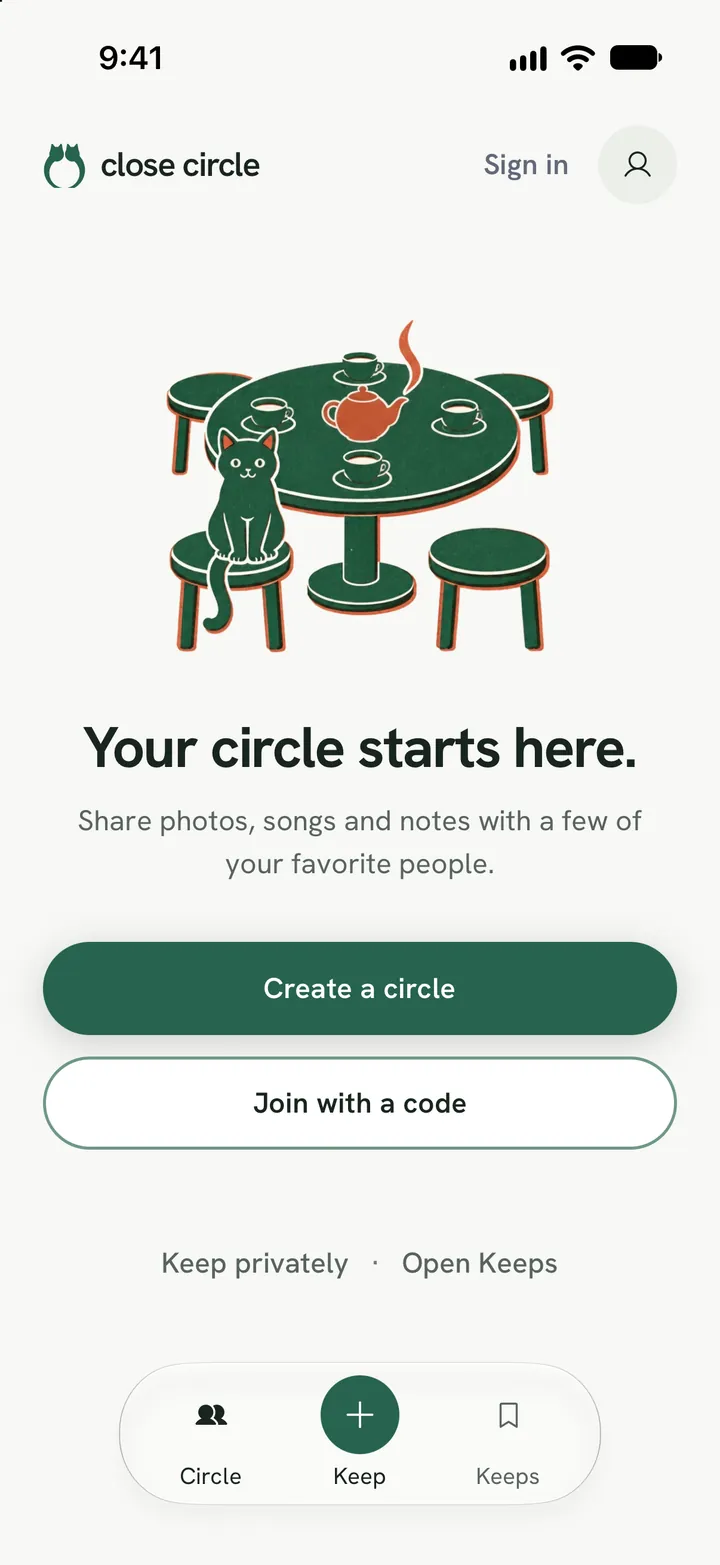
A small, invite-only circle on your iPhone. Share a photo, a song, a voice note or a few words with up to ten close friends, and keep up with theirs from your Home Screen.

Take the tour

Coming soon to iPhone.

Your circle, 1 of 7

Up to ten of your people

A circle is up to ten of the people you'd text first, and nobody joins without an invite. Circles stay small on purpose.

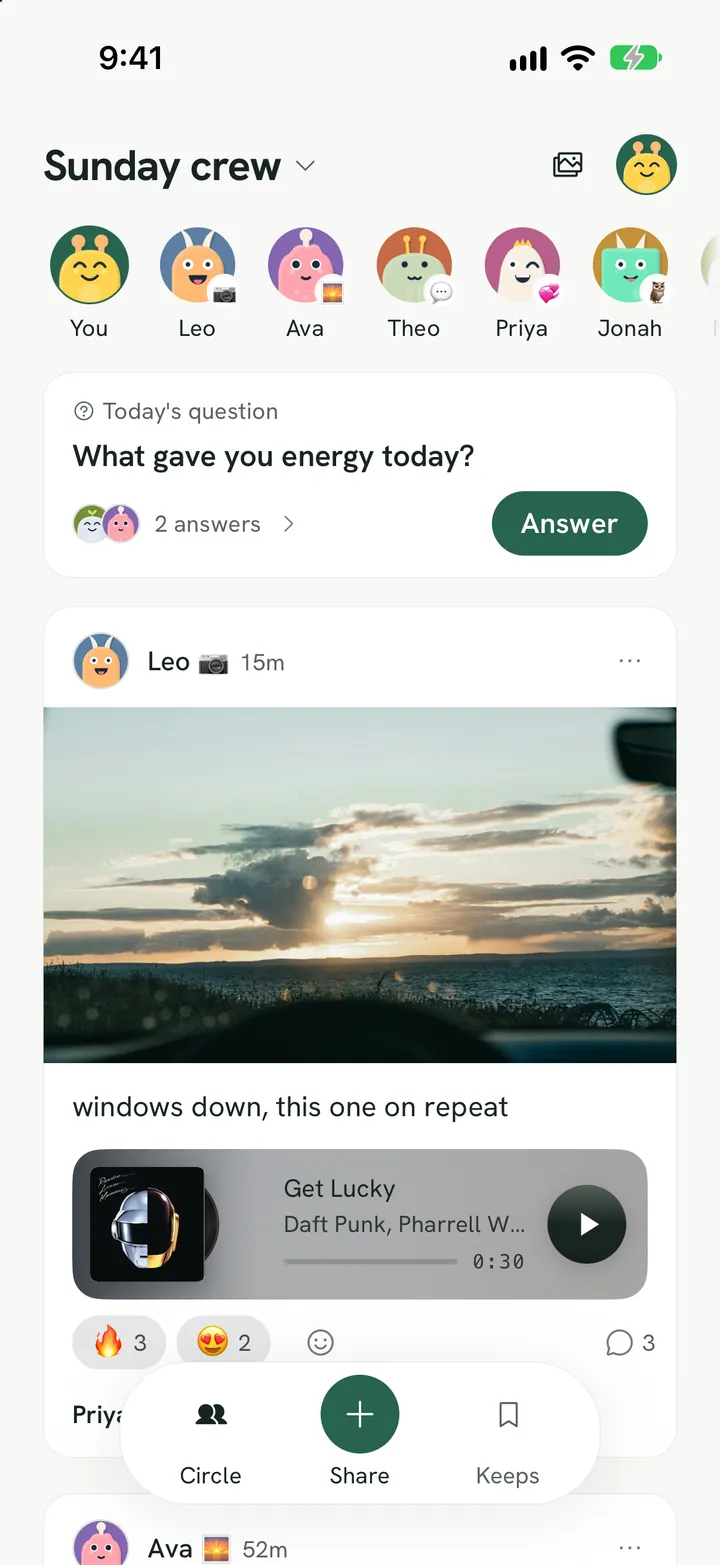
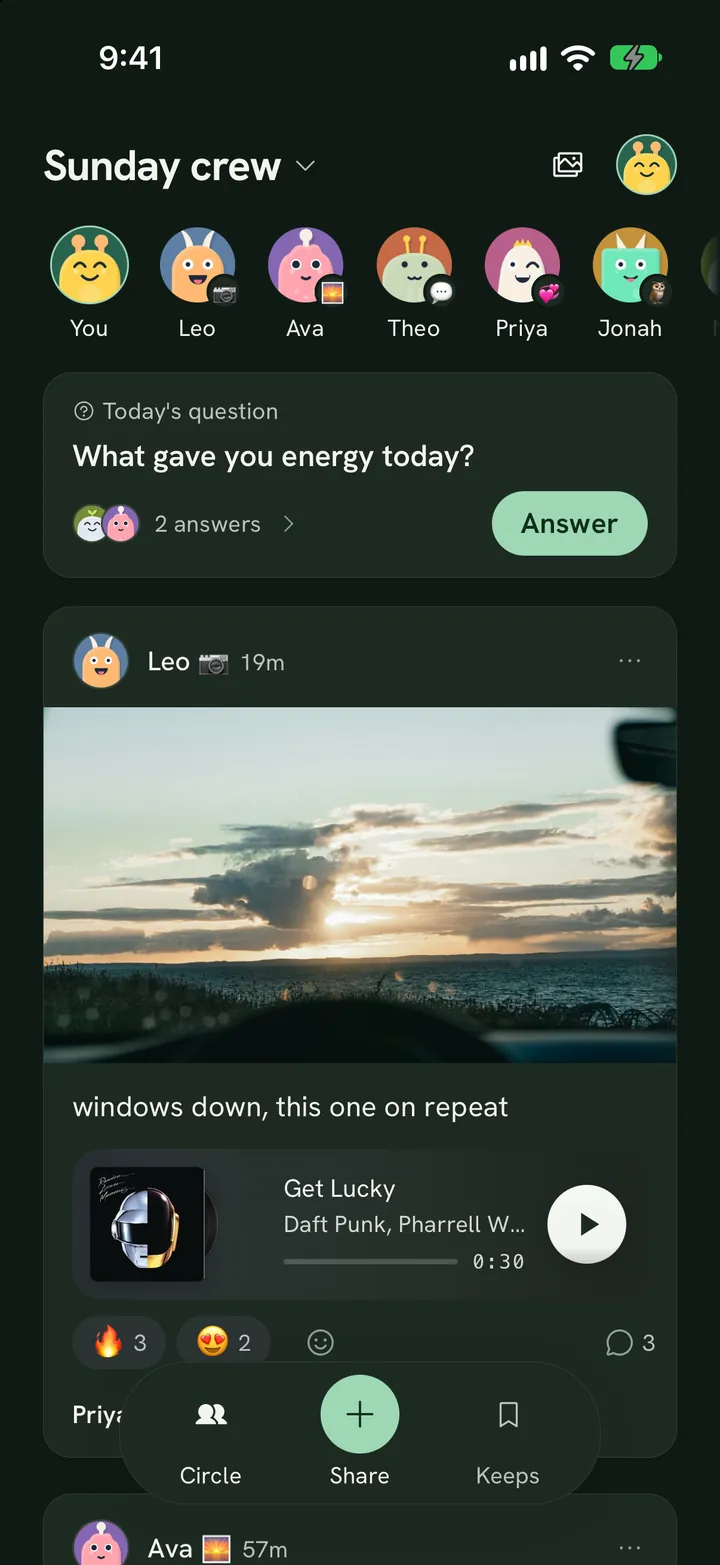
You can be in a few at once: Sunday crew, Family, Book club. Their faces sit along the top, with today's question just above the moments.

10people, at most, in one circle
Share a moment

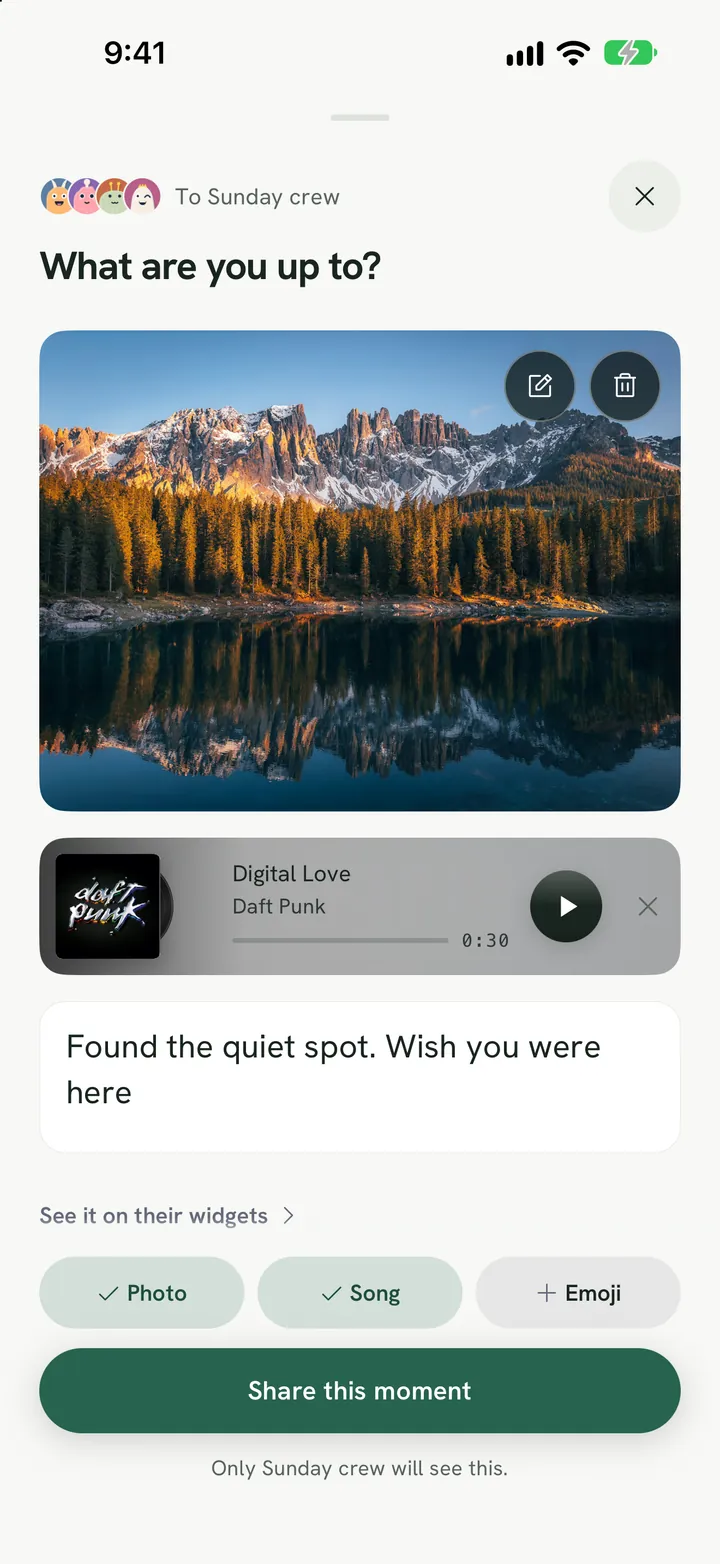
A photo, a song, a voice note, a few words or a single emoji. Only the people in that circle see it.

Crop, turn or doodle on a photo before you share. A song arrives as a record sleeve with the vinyl sliding out, and plays a preview right in the feed.

  • Photo
  • Song
  • Voice note
  • A few words
  • Emoji

React with any emoji

Any emoji on the keyboard works, and every circle keeps its own shelf of favorites for the inside jokes.

Want to say more? Reply under the moment. Your friends see who it came from.

A question a day, and polls

Every circle gets a question of the day. Your answer is a moment like any other, so it lands in the feed with the rest.

Can't decide what to read next? Ask a quick poll. One tap votes.

What's your current hyperfixation?

Book club's question today

A nudge says hi

Tap a friend's face to let them know you're thinking of them. No message, no reply needed. Just a small hello.

Everyone makes a critter face of their own, and wears the badges and crowns they pick up just by showing up.

The story so far

See what your circle has shared together: moments each week, photos, songs, reactions and comments.

There's a friendly race too, with streaks and who leads each category.

Keeps is just yours

Some moments are only for you. Keeps lives on your phone and works with no account at all.

Sharing writes a copy to your circle, and the original stays in Keeps. Nothing from Keeps ever shows on your Lock Screen.

  • Only on this phone
  • No account needed
  • Lock it with Face ID

Your people, on your Home Screen

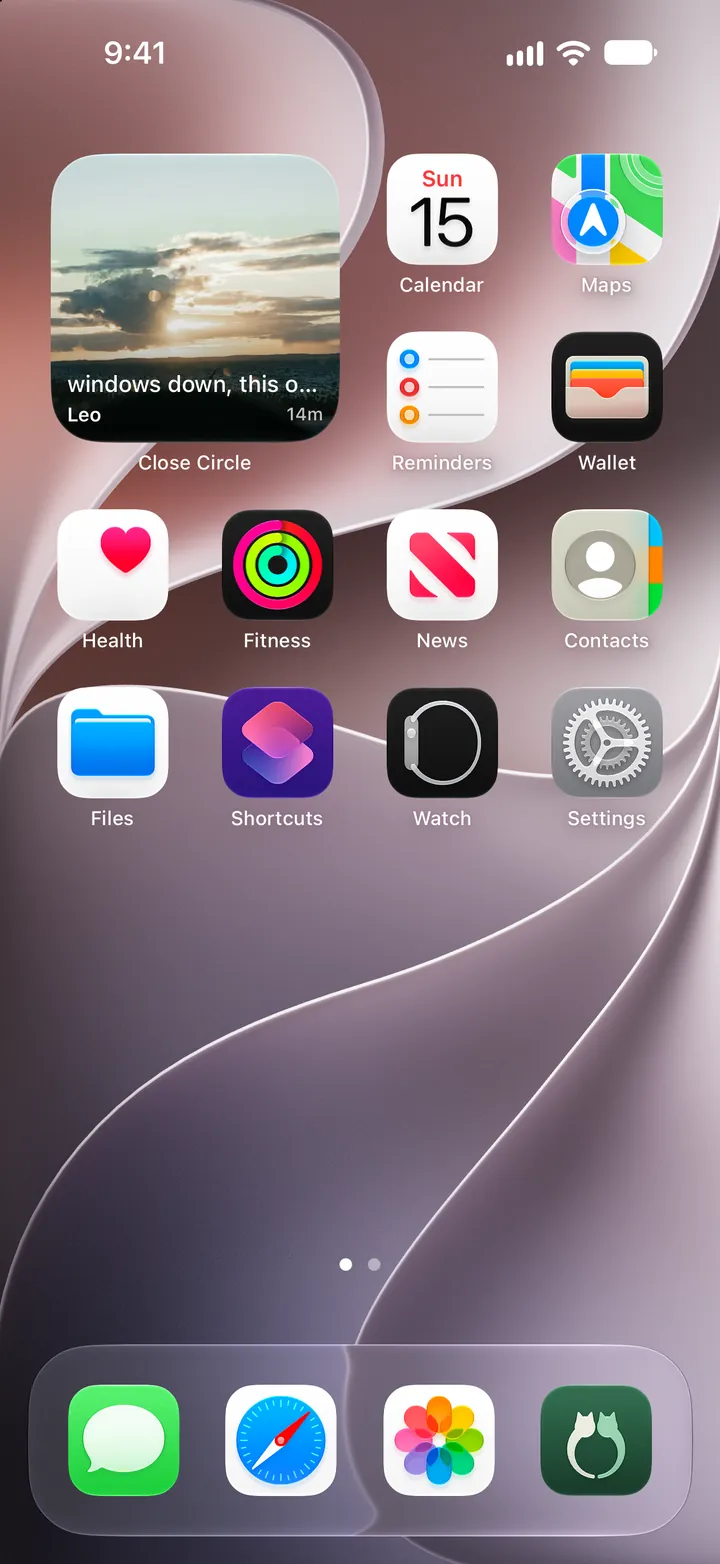
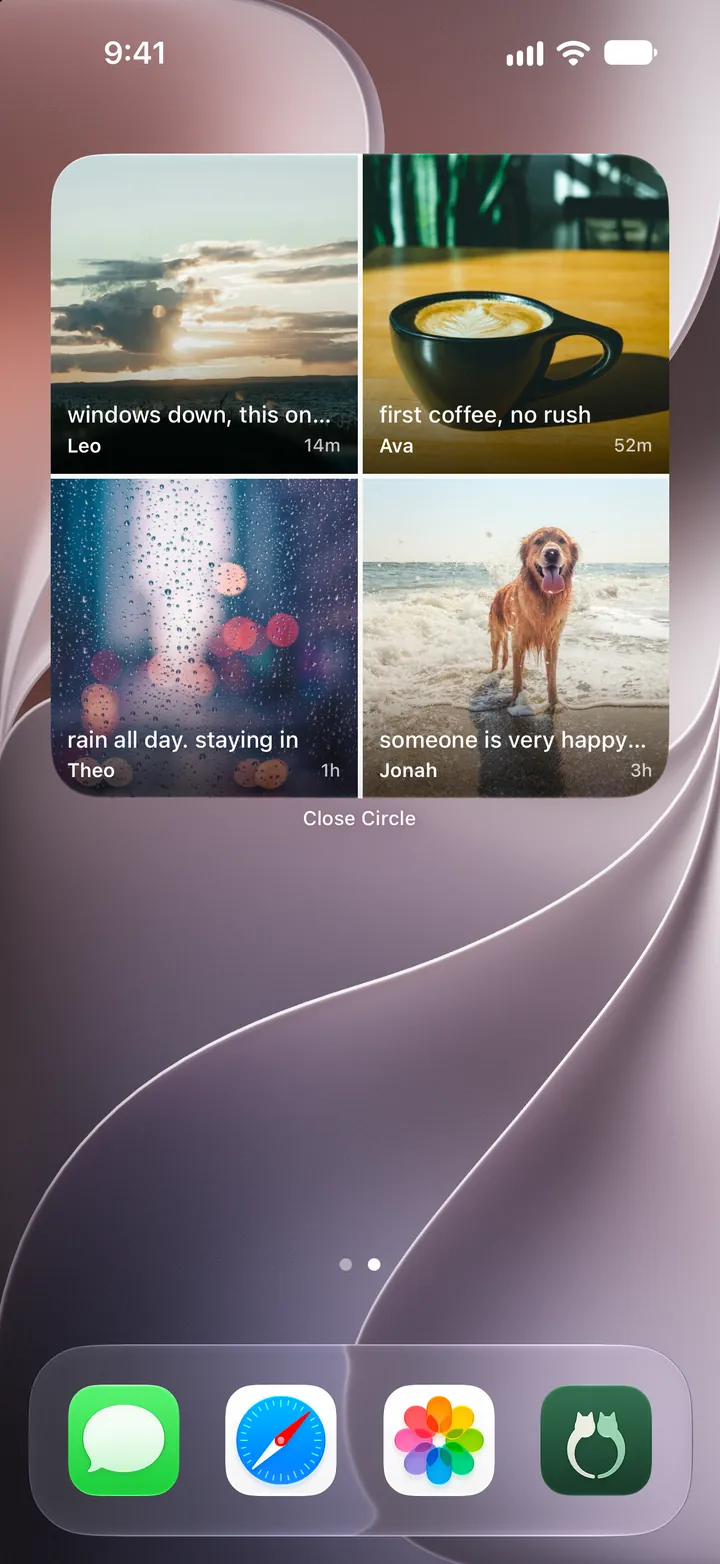
Add a widget and see what your people share without opening the app. Pick a circle in Edit Widget, or let it follow the one you opened last.

With no circle yet, the widget opens Keeps and never shows what you kept.

  • EveryoneEach person's latest: two on medium, four on large.
  • Your peopleThe latest moment, or the latest two. Small or medium.
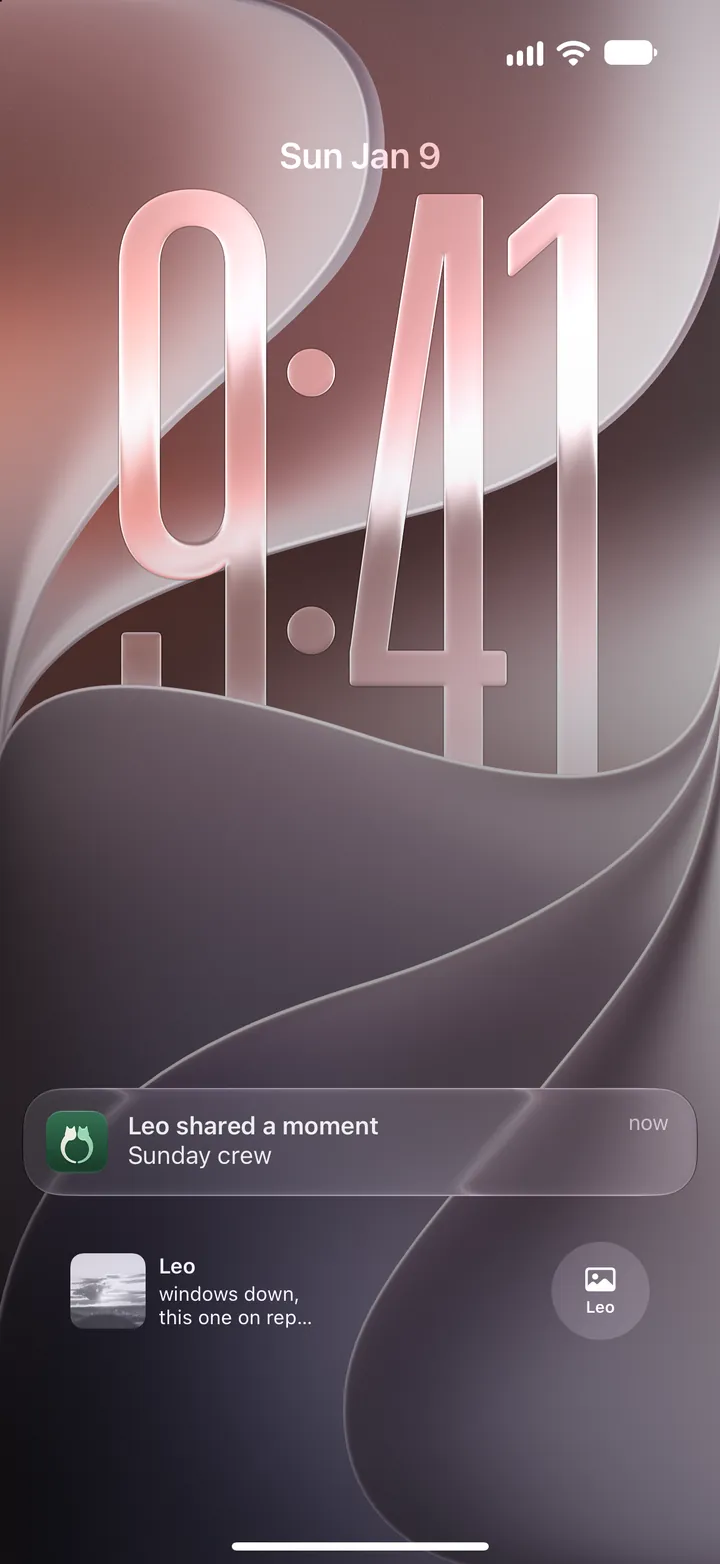
  • Lock ScreenWho shared last, and a notification the moment they do. Nothing from Keeps shows here.
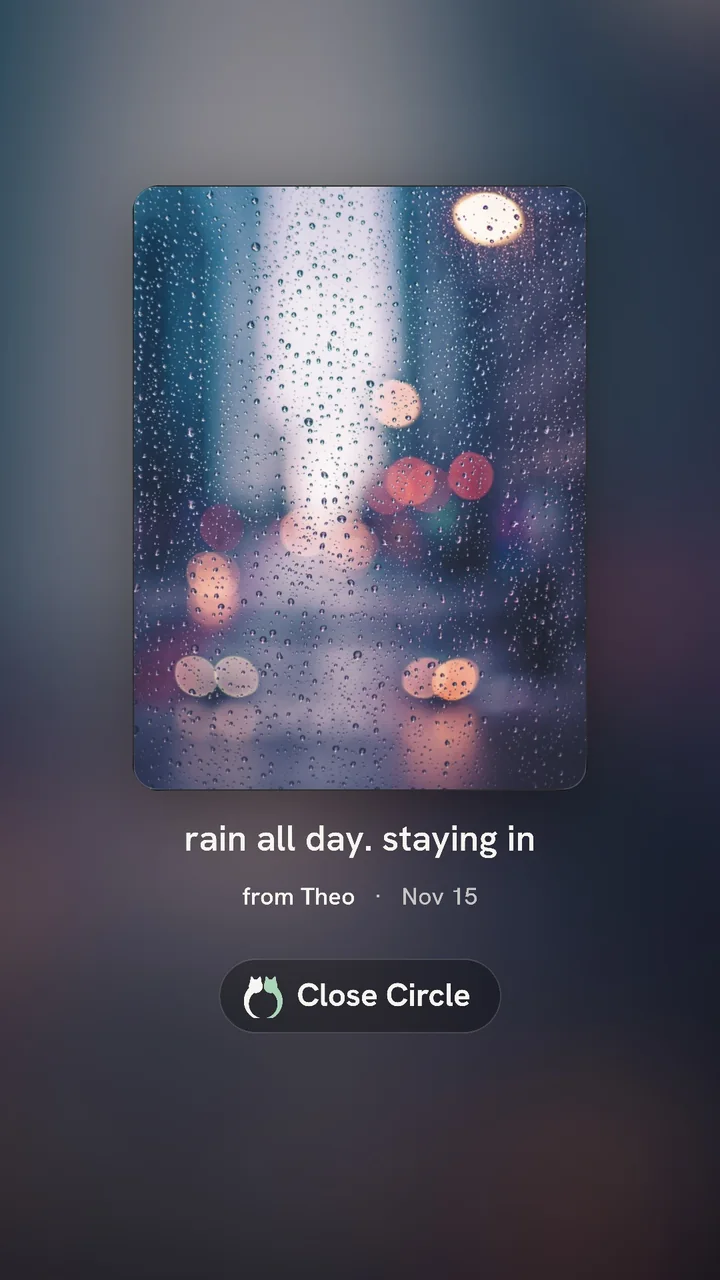
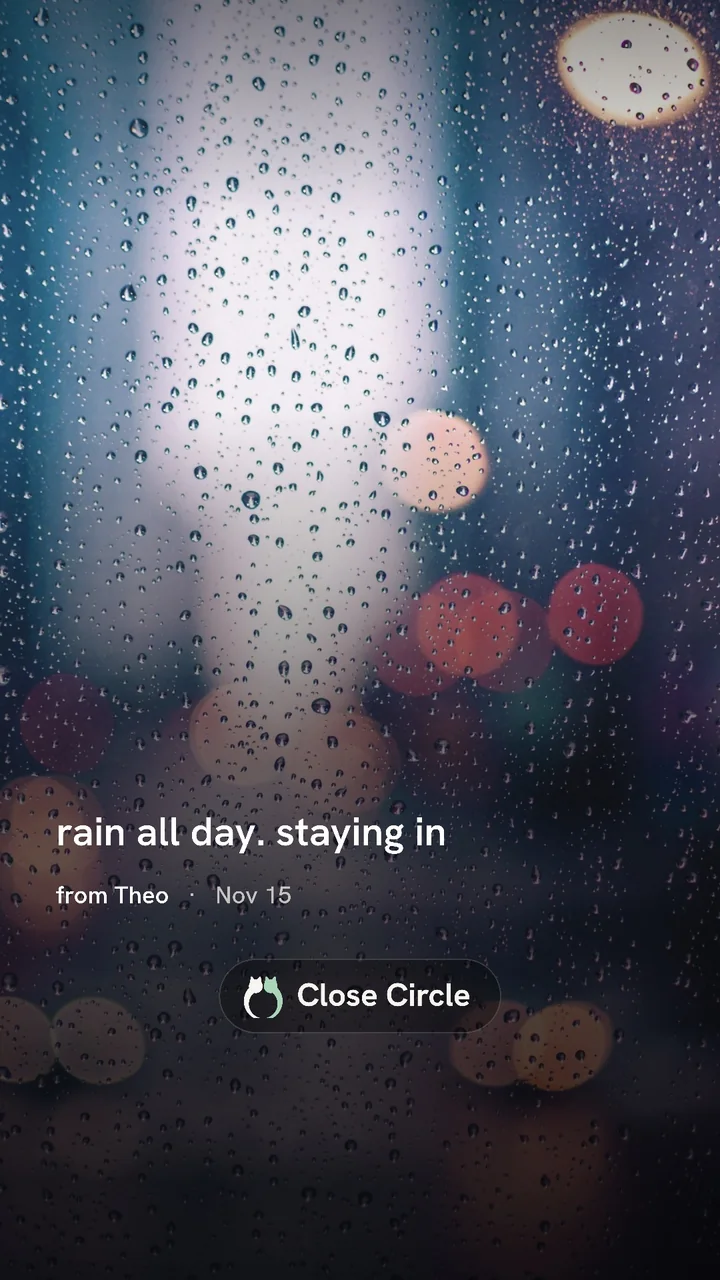
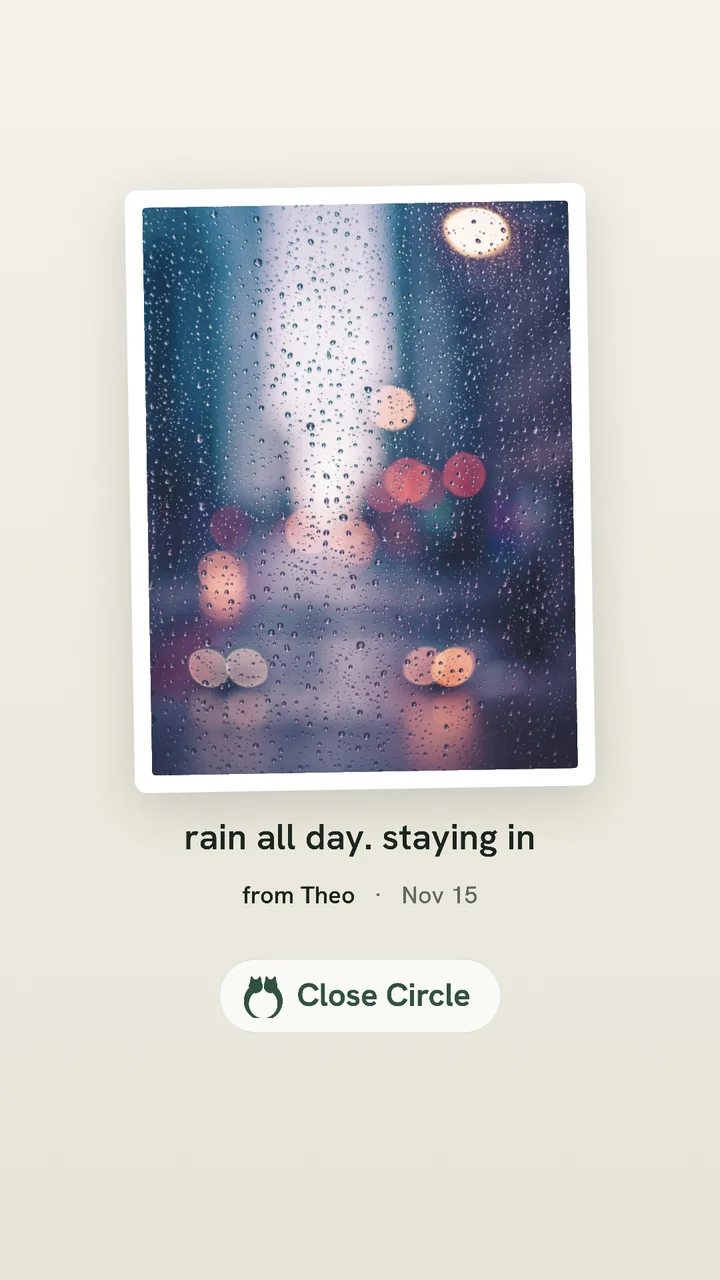
Glow story card: Theo's photo of rain on a window, captioned rain all day. staying in

A card for your Story

Turn one of your own moments into a card for Instagram Stories. The words and the Close Circle mark stay clear of the buttons Instagram draws at the top and bottom.

Moment
Look

The moment's own colors: its photo or album cover, blurred and shaded behind it.

Invites arrive as an invitation

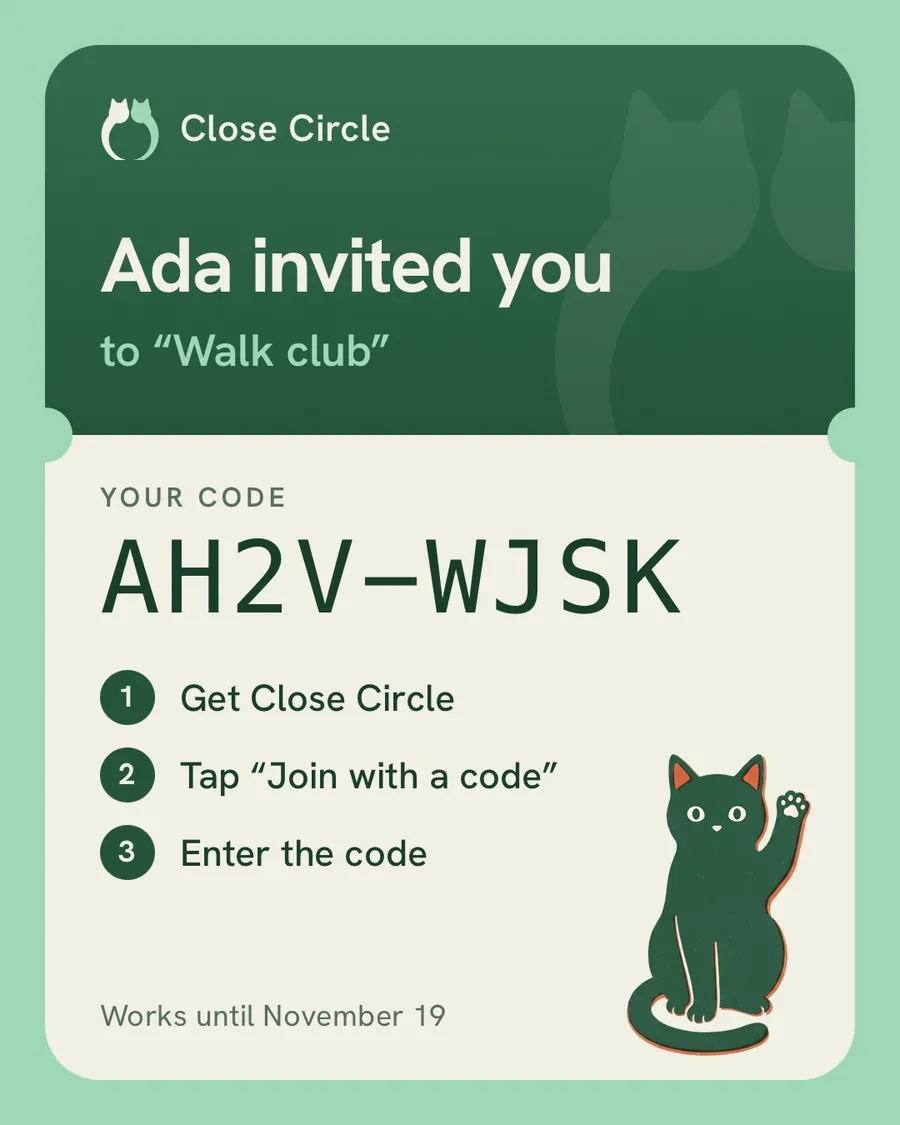
Invite someone and Close Circle makes them a picture to open: the circle's name, who invited them, a code, and the day the code stops working.

  1. An invitation from Ada to Walk club with the code AH2V-WJSK, three steps to join, and the date it works until.
    The invitation they get
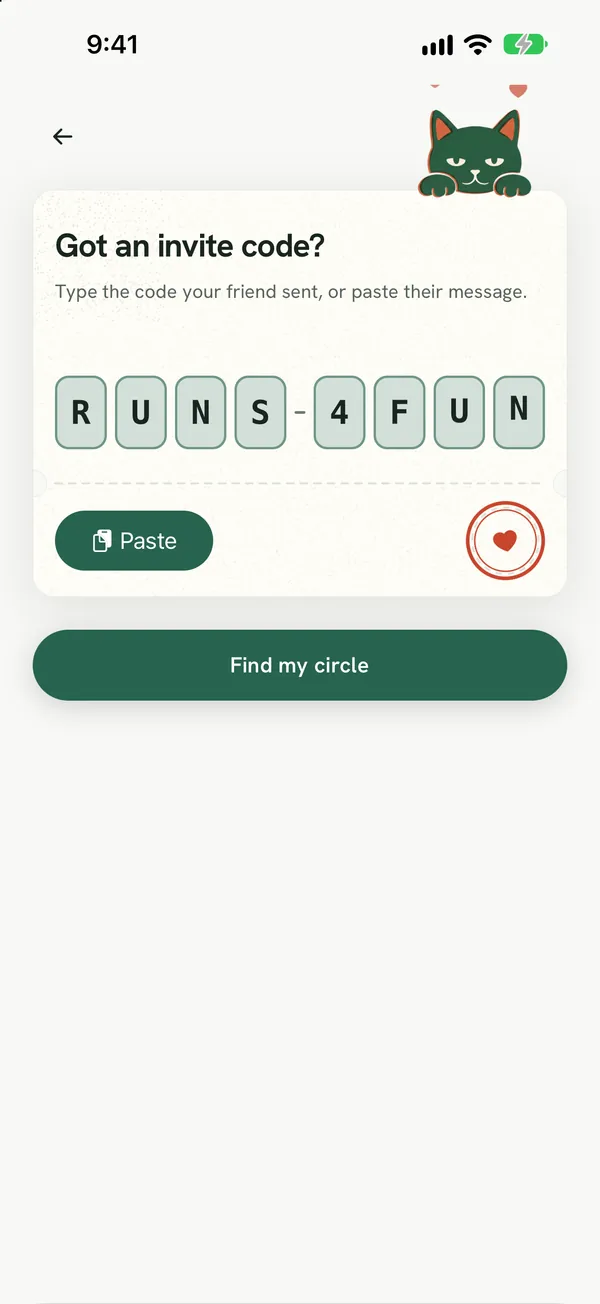
  2. They type the code
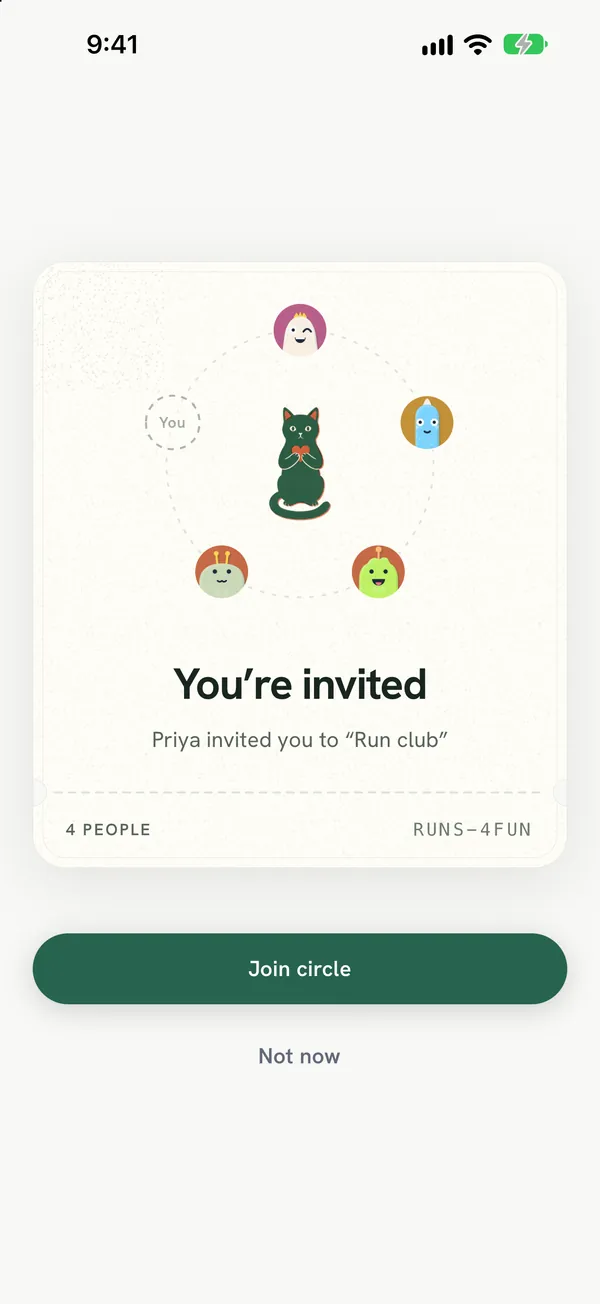
  3. And their seat is waiting
The Close Circle app icon: two cats whose bodies make a circle.

Coming soon to iPhone

Questions until then? Email us and a person reads it.

Close Circle is made by 34 Software LLC.